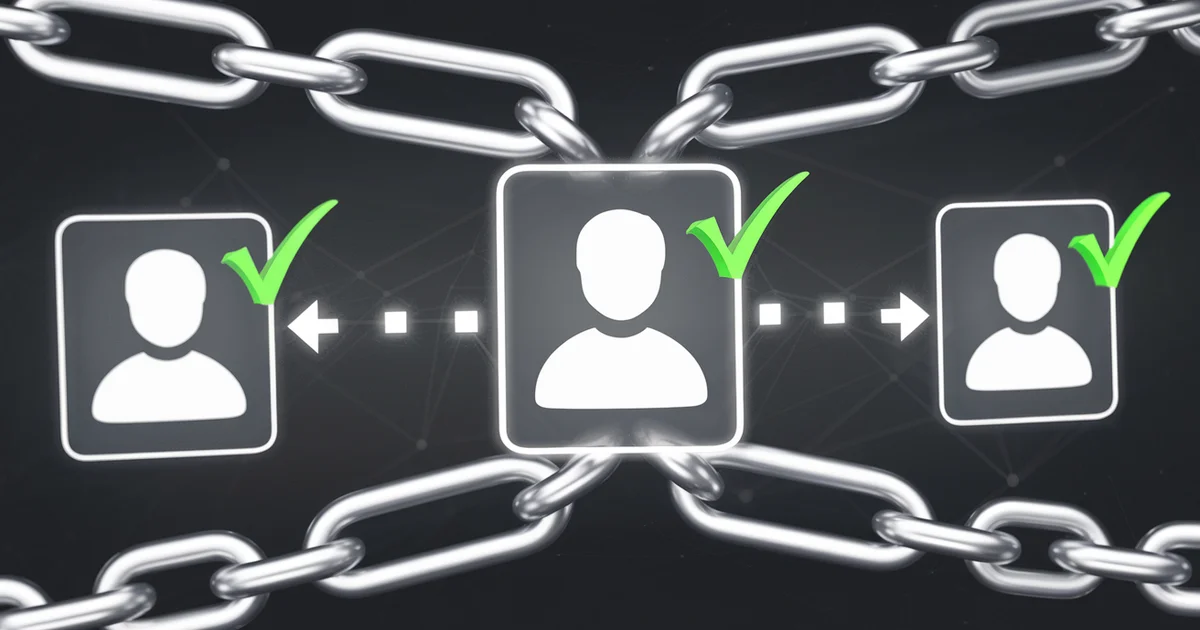
rel='me' Verification: Green Checkmarks and Entity Signals
On Mastodon, verified accounts have green checkmarks next to their profile links. No payment required. No celebrity status. No application process. The verification is purely technical: you prove you own a domain by adding a rel="me" link, and Mastodon verifies it automatically.
But rel="me" does far more than generate green checkmarks. It creates a machine-readable web of identity connections between your website and every other platform where you have a presence. Search engines, AI systems, and knowledge graph builders use these connections to resolve your identity — connecting your website to your GitHub profile to your LinkedIn to your Amazon author page.
For a multi-site network like ours, rel="me" is the glue that binds all 52 sites and all associated profiles into a single, coherent entity that Google's Knowledge Graph can recognize.
How rel="me" Works
The rel="me" attribute is added to hyperlinks to declare: "This link points to another page that represents me — the same person or organization."
On your website:
<a href="https://mastodon.social/@yourhandle" rel="me">Mastodon</a>
<a href="https://github.com/yourusername" rel="me">GitHub</a>
On Mastodon, add your website URL to your profile's metadata fields. Mastodon's verification system checks your website for a corresponding rel="me" link. If the bidirectional link exists, it displays a green checkmark next to your website URL on your Mastodon profile.
The bidirectional requirement is key. Both sides must claim the relationship. This prevents impersonation — someone cannot claim to be you on Mastodon by simply linking to your website. Your website must link back.
The Entity Signal Stack
rel="me" is one layer in a comprehensive entity signal stack:
Layer 1: rel="me" (HTML Microformat)
Machine-readable links between your website and social profiles. Discovered through HTML parsing.
Layer 2: Schema.org sameAs (JSON-LD)
Structured data that explicitly declares which URLs represent the same entity:
{
  "@context": "https://schema.org",
  "@type": "Person",
  "name": "J.A. Watte",
  "url": "https://the100dollarnetwork.com",
  "sameAs": [
    "https://mastodon.social/@jawatte",
    "https://github.com/jawatte",
    "https://www.linkedin.com/in/jawatte",
    "https://www.amazon.com/author/jawatte",
    "https://www.wikidata.org/wiki/Q-XXXXXXX",
    "https://www.crunchbase.com/person/ja-watte"
  ]
}
Layer 3: Wikidata + Crunchbase (Knowledge Graph Sources)
Profiles on platforms that directly feed Google's Knowledge Graph. Both allow you to list your official website, creating additional verified connections.
Layer 4: Consistent NAP (Name, Address, Presence)
Using the exact same entity name across all platforms. "J.A. Watte" on Mastodon, GitHub, LinkedIn, Amazon, Crunchbase, and Wikidata. Inconsistent naming weakens entity resolution.
When all four layers align, Google has overwhelming convergent evidence that a single entity controls all these profiles. This convergence is what triggers Knowledge Panels and strengthens E-E-A-T evaluation.
Implementation for a Multi-Site Network
For a network of sites operated by the same author, rel="me" creates connections in multiple directions:
Author to Sites
Each site's about page links to the author's profiles with rel="me".
Sites to Each Other
Each site can reference the other network sites, establishing that they are operated by the same entity. While rel="me" is technically for personal identity, the cross-references create entity association signals.
Author to Platforms
The author's profiles on GitHub, LinkedIn, Mastodon, and Amazon all link back to the primary website.
The result is a web of verified connections that a search engine or AI system can traverse to build a complete picture of the author and their body of work.
E-E-A-T Impact
Google's E-E-A-T framework evaluates content quality based on the creator's experience, expertise, authoritativeness, and trustworthiness. Cross-platform identity verification directly supports each dimension:
Experience: Profiles on platforms like GitHub (code contributions) and LinkedIn (work history) demonstrate active engagement with relevant topics.
Expertise: Published works on Amazon, research on GitHub, and professional credentials on LinkedIn create a verifiable expertise trail.
Authoritativeness: Consistent presence across high-authority platforms (GitHub DA 95, LinkedIn DA 98, Amazon DA 96) creates authority through association.
Trustworthiness: Verified bidirectional links prove identity ownership, reducing the risk of impersonation or misattribution.
Platforms to Connect
For maximum entity signal strength, create rel="me" and sameAs connections to:
- Mastodon — green checkmark verification (visual trust signal)
- GitHub — DA 95, heavily cited by AI models
- LinkedIn — DA 98, professional credibility
- Amazon Author Page — connects to published works
- Crunchbase — directly feeds Knowledge Graph
- Wikidata — directly feeds Knowledge Graph
- Bluesky — growing platform presence
- YouTube — if applicable, video content authority
Each connection takes 2-5 minutes to set up. The bidirectional verification takes seconds once both sides have the links in place.
Practical Setup Steps
Step 1: Standardize Your Identity
Choose one name format and use it everywhere. "J.A. Watte" across all platforms. Not "Joshua Watte" on LinkedIn and "jawatte" on GitHub. Consistency is critical for entity resolution.
Step 2: Add rel="me" to Your Website
In your site's footer or about page:
<a href="https://mastodon.social/@jawatte" rel="me">Mastodon</a>
<a href="https://github.com/jawatte" rel="me">GitHub</a>
<a href="https://bsky.app/profile/jawatte.bsky.social" rel="me">Bluesky</a>
Or in the HTML head for invisible links:
<link rel="me" href="https://mastodon.social/@jawatte">
<link rel="me" href="https://github.com/jawatte">
Step 3: Add Your Website to Each Platform
On Mastodon, GitHub, LinkedIn, and other platforms, add your website URL to your profile. Each platform has a different location for this setting:
- Mastodon: Edit Profile > Extra Fields
- GitHub: Profile Settings > Website
- LinkedIn: Contact Info > Website
- Bluesky: Edit Profile > Website
Step 4: Add Schema.org sameAs
Add Person or Organization schema with sameAs properties to your website's JSON-LD structured data. This provides the Schema.org layer of identity verification in addition to the HTML rel="me" layer.
Step 5: Verify
Check Mastodon for green checkmarks. Use browser DevTools to verify rel="me" attributes are correctly applied. Use Google's Rich Results Test to verify Schema.org sameAs properties are properly formatted.
Results From Our Network
After implementing rel="me" and the full entity signal stack across the 52-site network:
- All Mastodon profiles display green checkmarks
- Google Search Console showed sitelinks (expanded search results) appearing for branded queries within 6 weeks
- Two entities triggered Knowledge Panel activity
- AI models (ChatGPT, Perplexity) began consistently associating the author with the correct body of work when queried
- Cross-platform referral traffic increased by approximately 10%
Total implementation time: 20 minutes per site for rel="me" links, plus 30 minutes for Schema.org updates across the network. Total cost: $0.
Identity verification is the foundation of digital authority. In a web increasingly filled with anonymous AI-generated content, proving you are a real person with verifiable credentials across multiple platforms is a trust signal that compounds over time.
For the complete entity-building strategy, see The $100 Dollar Network.
